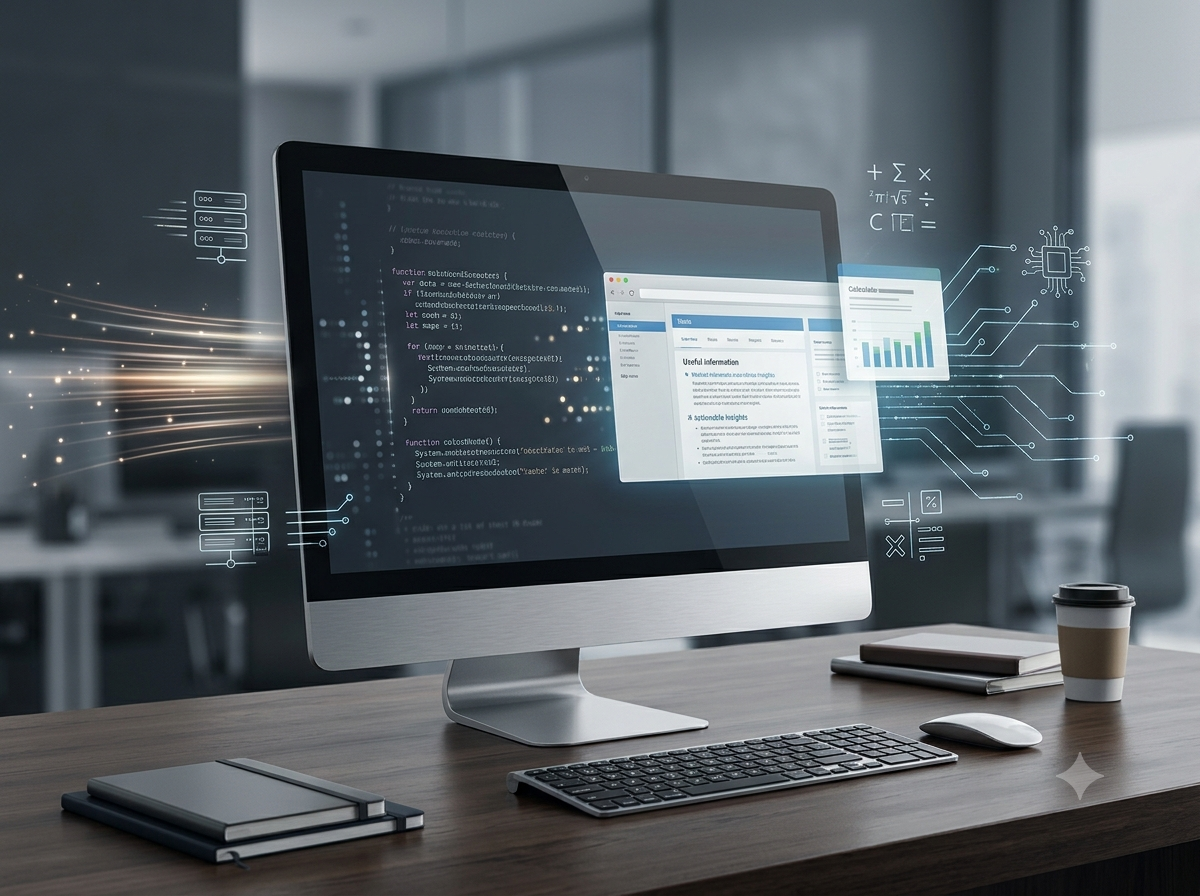
Imagine an office where thousands of calculations must be completed, records organised, and reports prepared. The staff has only a few hours, but the work could take days by hand.
Then someone switches on a computer.
In seconds, it can process information, store records, and produce results. But is a computer intelligent? Can it work without instructions? And does it have any weaknesses?
To understand the computer’s role in accounting, we first need to explore the machine itself.
What Is a Computer?
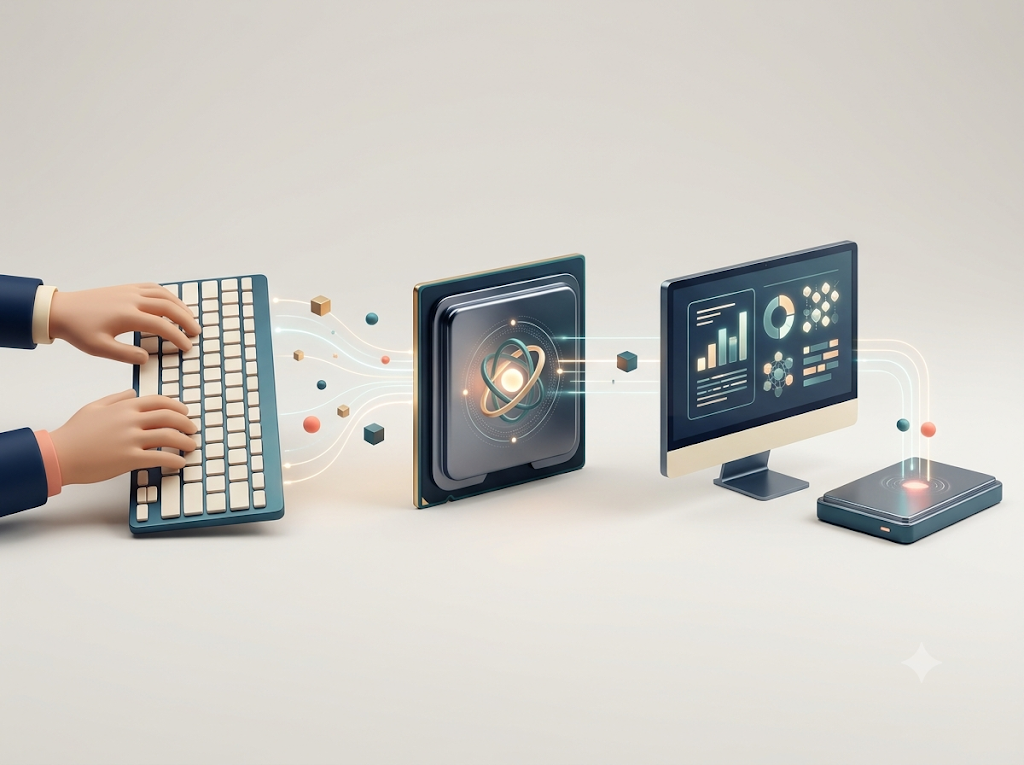
A computer is an electronic device that accepts data as input, processes it according to a set of instructions, stores data and information, and produces meaningful results as output.
Think of it as a four-stage information machine:
- Input: Data is entered into the computer.
- Processing: The computer works on the data according to instructions.
- Output: The processed information is presented to the user.
- Storage: Data and results can be saved for future use.
For example, suppose a shopkeeper enters the quantity and price of goods sold. The computer multiplies the quantity by the price, calculates the total, displays the result, and can save the transaction for future reference.
The computer does not magically understand the business. It follows instructions to turn data into useful information.
The Characteristics of a Computer
A computer has several important characteristics that make it useful in offices, schools, shops, banks, and accounting departments.
1. High Speed
A computer can perform calculations and process large amounts of data very quickly. Tasks that might take a person considerable time can often be completed in seconds.
2. Accuracy
A computer can produce highly accurate results when the data and instructions are correct. However, incorrect input or faulty instructions can lead to incorrect results. Speed does not guarantee correctness.
3. Diligence
Unlike humans, a computer does not become tired or bored while repeating the same task. It can perform repetitive calculations consistently.
4. Large Storage Capacity
A computer can store large amounts of data, such as customer details, sales records, invoices, and accounting reports. Stored information can be retrieved when required.
5. Versatility
A computer can perform many different tasks. The same machine can prepare accounts, create documents, calculate salaries, manage stock, and communicate with other devices.
6. Automation
Once the necessary data and instructions have been provided, a computer can perform many tasks automatically with little further human intervention.
7. Reliability and Consistency
A computer can repeat the same process consistently. Its reliability still depends on functioning hardware, appropriate software, correct data, and proper maintenance.
8. No Independent Human Judgement
A computer does not possess human understanding simply because it can process information. It follows its instructions and the capabilities of its software. People must still check whether the results are sensible and suitable.
The Main Components of a Computer
A computer system contains several components that work together. Picture them as a team in which each member has a specific job.
1. Input Unit
The input unit is used to enter data and instructions into the computer.
Examples include a keyboard, mouse, scanner, and microphone.
In accounting, a keyboard may be used to enter the date, amount, and details of a business transaction.
2. Central Processing Unit (CPU)
The CPU is commonly called the brain of the computer because it carries out instructions and controls processing.
Its main functions are performed by the following units:
- Arithmetic and Logic Unit (ALU): Performs arithmetic operations, such as addition and subtraction, and logical comparisons.
- Control Unit (CU): Directs and coordinates the activities of the computer’s different components.
- Registers and other internal storage: Hold small amounts of data and instructions needed during processing.
The CPU does not work alone. It depends on memory, storage, input devices, output devices, and software.
3. Memory and Storage Unit
Memory and storage help the computer hold data and instructions.
Primary memory, such as RAM, holds data and programs currently in use. RAM is generally temporary and loses its contents when power is switched off.
Secondary storage, such as an SSD or hard drive, stores files and programs for longer periods.
For example, an accounting program may use RAM while calculating a report and save the completed report to an SSD.
4. Output Unit
The output unit presents processed information in a form that people can understand.
Examples include a monitor, printer, and speakers.
An accountant may view a profit report on a monitor or print a statement for a business owner.
5. Software
Hardware refers to the physical parts of a computer, while software refers to the programs and instructions that tell the hardware what to do.
System software helps operate the computer, while application software enables users to perform particular tasks, such as preparing accounts.
A computer needs both suitable hardware and software to perform its intended work.
The Limitations of a Computer
Despite its speed and storage capacity, a computer has limitations.
Dependence on instructions: A computer needs suitable instructions and software to perform a task. It cannot automatically determine the correct procedure for every unfamiliar situation.
Dependence on correct data: If incorrect figures are entered, the computer may process them accurately but still produce a wrong result. This is often summarised as “Garbage In, Garbage Out.”
Lack of human judgement: A computer may identify a numerical difference, but deciding whether a transaction is reasonable, properly authorised, or ethically acceptable may require human judgement.
Dependence on electricity and functioning equipment: Hardware failure, power interruptions, or technical problems can prevent normal operation.
Security and privacy risks: Poor security can expose stored information to unauthorised access, loss, or misuse.
Maintenance and cost: Computers require suitable equipment, software, maintenance, updates, and trained users. These may involve considerable expense.
No guarantee of correct decisions: A computer can provide information for decision-making, but the quality of a decision depends on the data, rules, software, and human judgement involved.
The Final Reveal
A computer is powerful because it combines speed, accuracy, storage, and automation. Yet it is not a substitute for correct information, suitable instructions, or responsible human judgement.
In accounting, this distinction becomes especially important: a computer can calculate a financial total, but an accountant must ensure that the underlying transaction has been recorded and treated correctly.
Exam-ready takeaway: A computer is an electronic device that accepts data, processes it according to instructions, stores it, and produces information as output. Its main characteristics include speed, accuracy, diligence, storage capacity, versatility, automation, and consistency, while its limitations include dependence on instructions, correct data, functioning equipment, and human supervision.